FEATURES
Small on purpose.
01
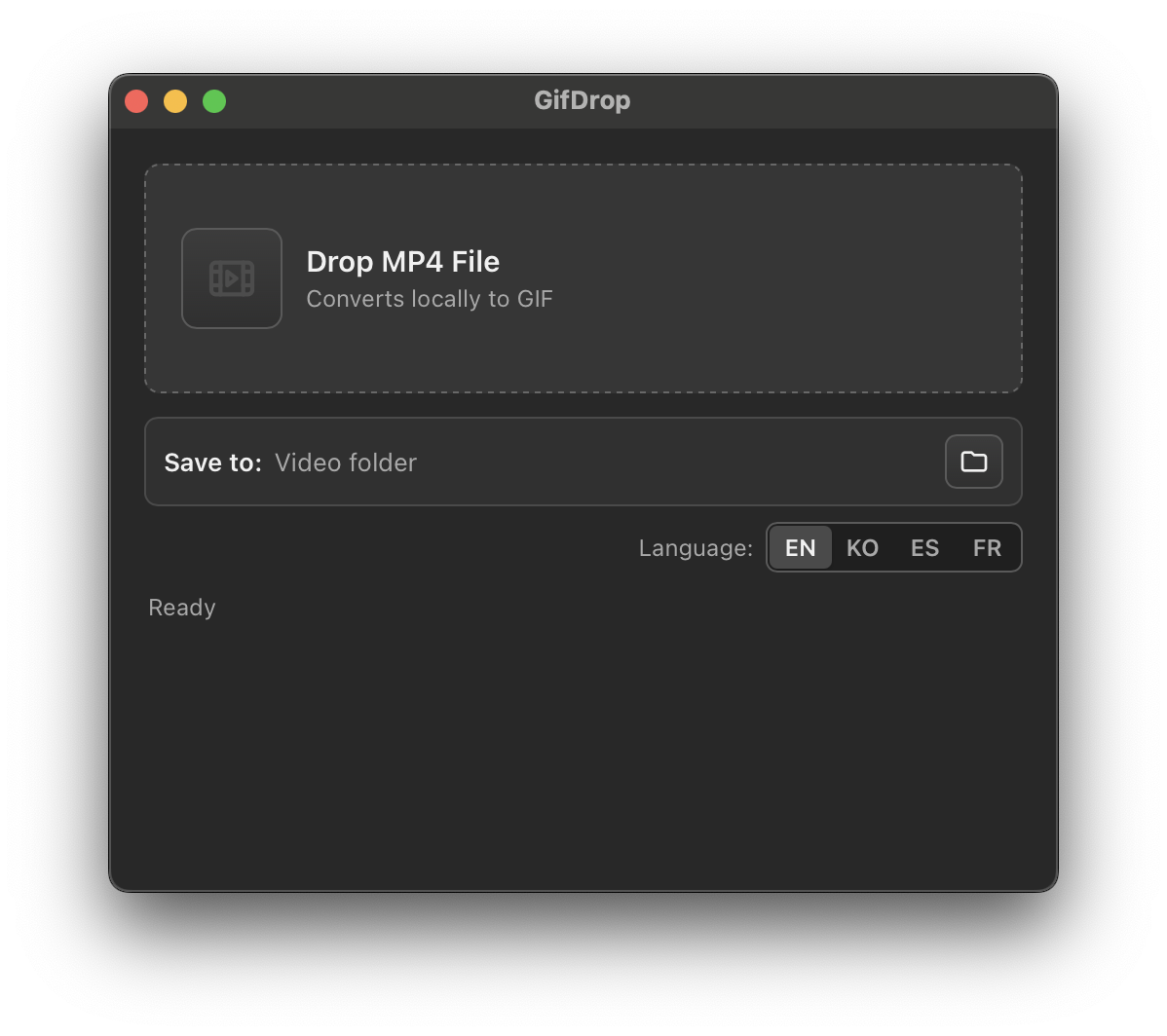
Drag and drop MP4
Drop a single MP4 file into the window and start the conversion flow without a timeline or project setup.
02
Choose a save folder
Pick a destination folder, or keep the default and save the GIF next to the original video.
03
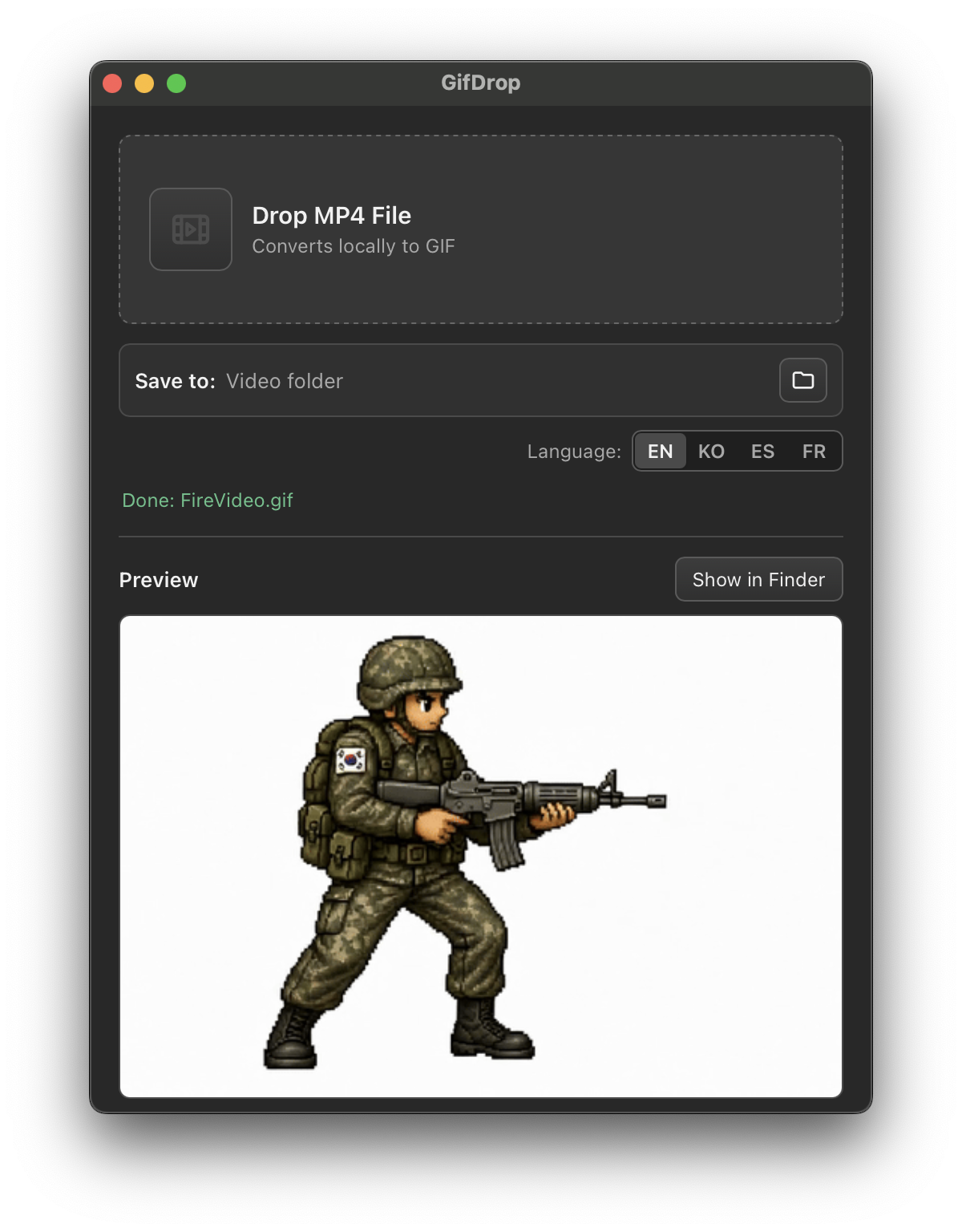
Preview instantly
Check the converted GIF right inside the app before moving on.
04
Local by default
Conversion runs on your Mac. Your video does not need to be uploaded to a web service.
05
Finder handoff
Reveal the finished GIF in Finder when you are ready to use it elsewhere.
06
Multiple languages
Use GifDrop in English, Korean, Spanish, or French.
WORKFLOW
Three steps, no project file.
01
Drop an MP4
Start with a video file from Finder.
02
Choose where to save
Use the video folder by default, or select another folder.
03
Convert and preview
Create the GIF locally and check the result in the app.
SUPPORT
Need help with GifDrop?
For support, bug reports, or questions about GifDrop, contact Round4 Games by email. We usually respond as quickly as possible.